
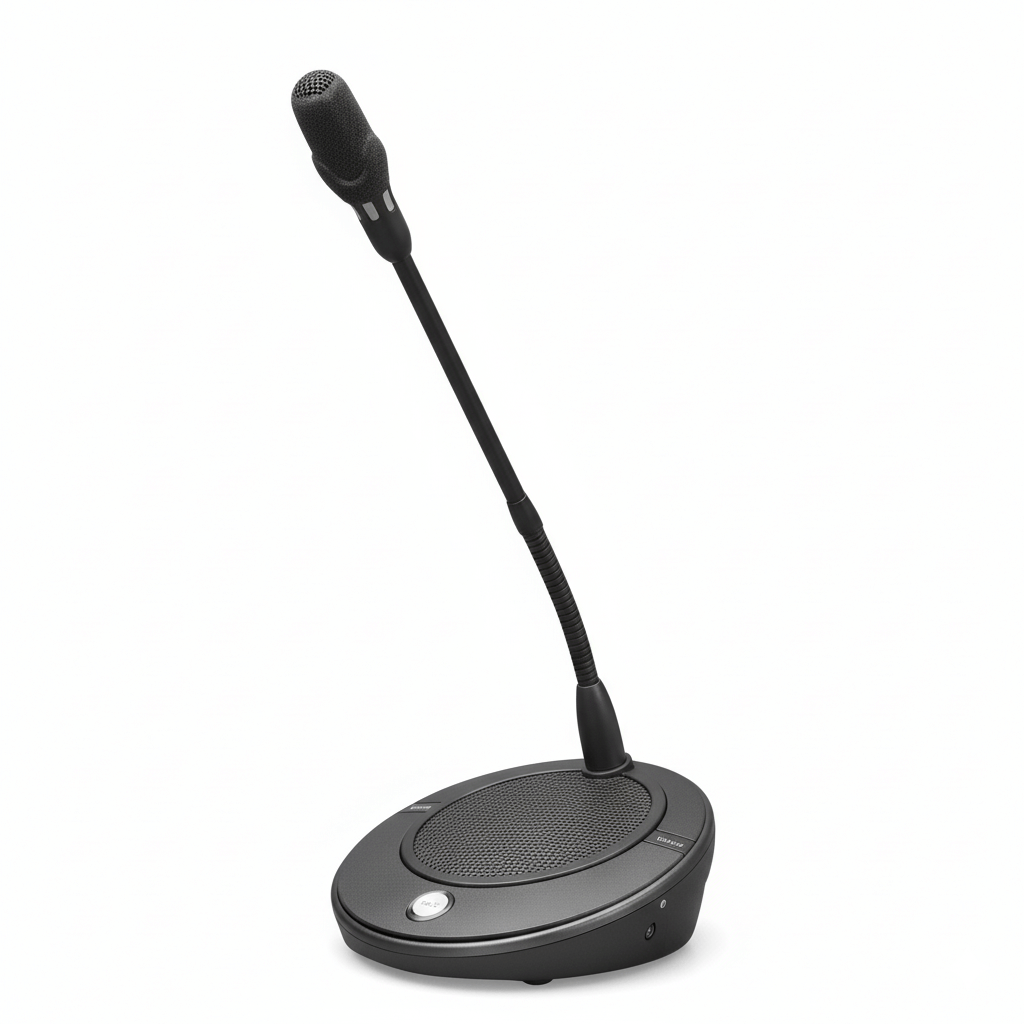

Priority Button for Chairman Microphone
In addition to the ‘microphone on’ button the chairman units feature a ‘chairman priority’ button. When pressed the priority button causes all currently active delegate microphones to be temporarily or permanently muted.
Optional Chime Tone Facility For Preceding Chairman Announcements
A sliding switch is available on the rear of the CCSE-CU-R which can be used to activate the chime tone to precede chairman priority calls.
Built‑In Loudspeaker
Loudspeaker volume is set centrally at the Control Unit for all chairman and delegate units. To prevent acoustic feedback, the built-in loudspeaker is automatically muted when the microphone is on.
Two Headphone Sockets
Two 3.5 mm (0.14 in) stereo headphone sockets (wired for mono) allow two pairs of headphones to be connected so two delegates can simultaneously use the unit. It is also possible to connect a tape recorder to one headphone socket, and use the other headphone socket to listen to the proceedings.
Built‑In Volume Control for Headphones
The headphone volume level can be adjusted by means of a thumbwheel on the unit for maximum comfort.
Controls and Indicators
- Microphone on/off button.
- Chairperson priority button.
- Rotary volume control for adjusting headphone volume.
- Loudspeaker, automatically muted when microphone is on.
- Microphone ‘on’ indicator (red LED).
- Light ring indicator on microphone stem, lights up red when microphone is on.
Interconnections
- 1 x 2 m cable terminated with a 8-pin male connector for loop-through connection to other delegate or chairperson units.
- 1 x 8-pin circular female connector for loopthrough connection to other delegate or chairperson units.
- 2 x 3.5 mm stereo headphone sockets.
