DCNM-MMFF Multimedia Full Function


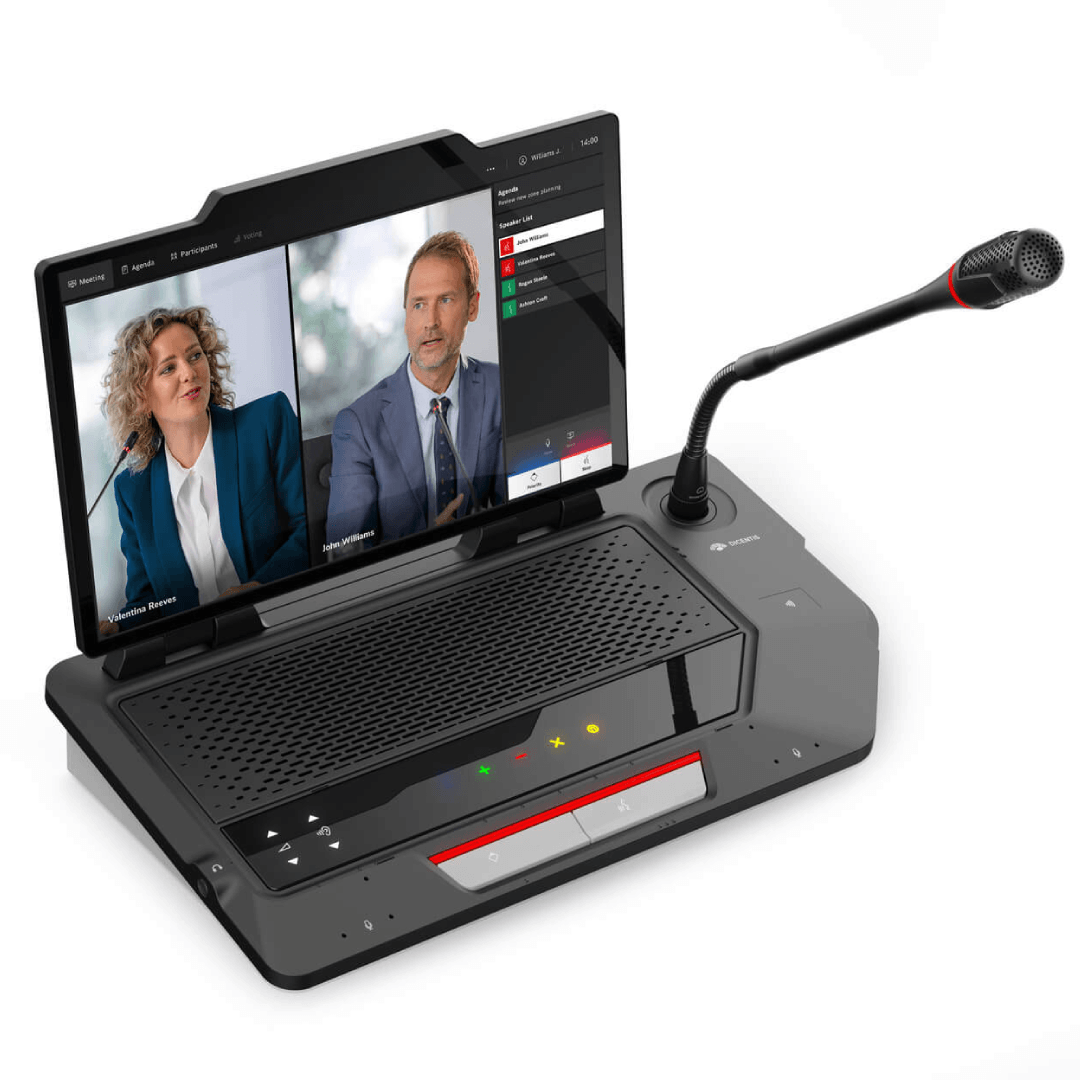
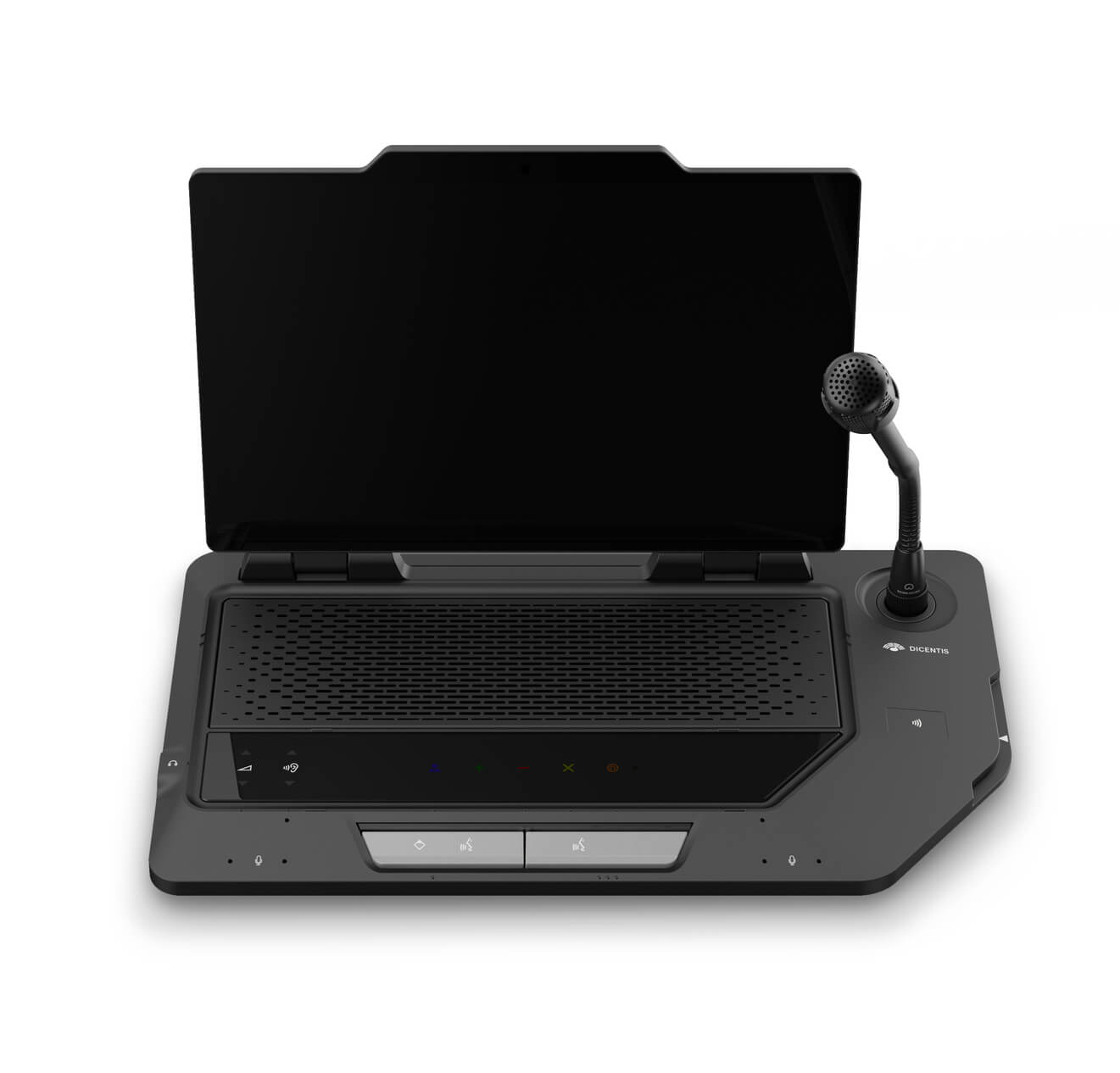
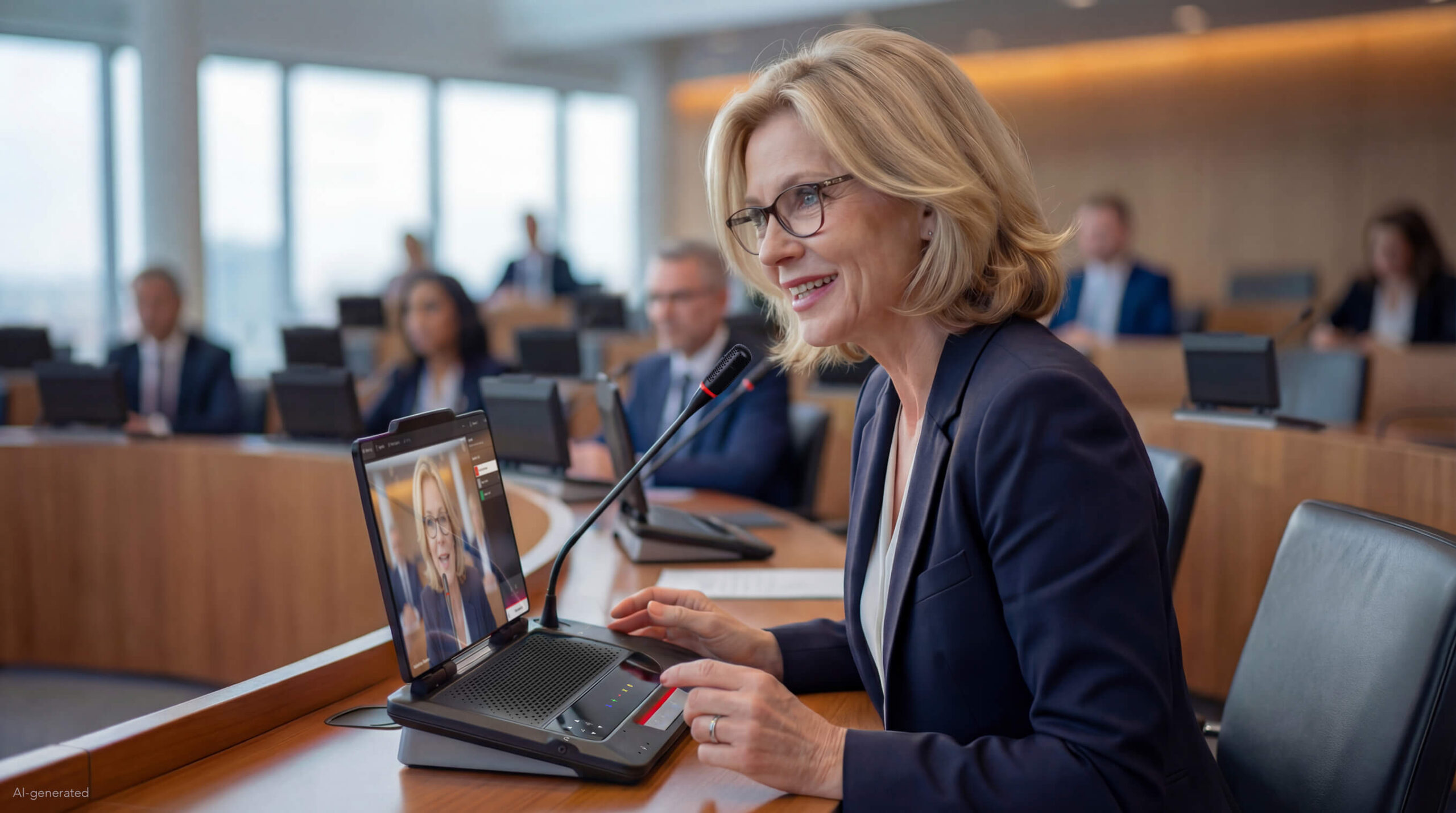
The DICENTIS DCNM-MMFF is designed for modern meetings that require advanced functionality, flexibility, and multimedia support. With its intuitive touchscreen interface, built-in microphones, and sleek design, it ensures an inclusive and seamless meeting experience for every participant.

Highlights

  • 10” touchscreen for video, meeting content, and internet access 
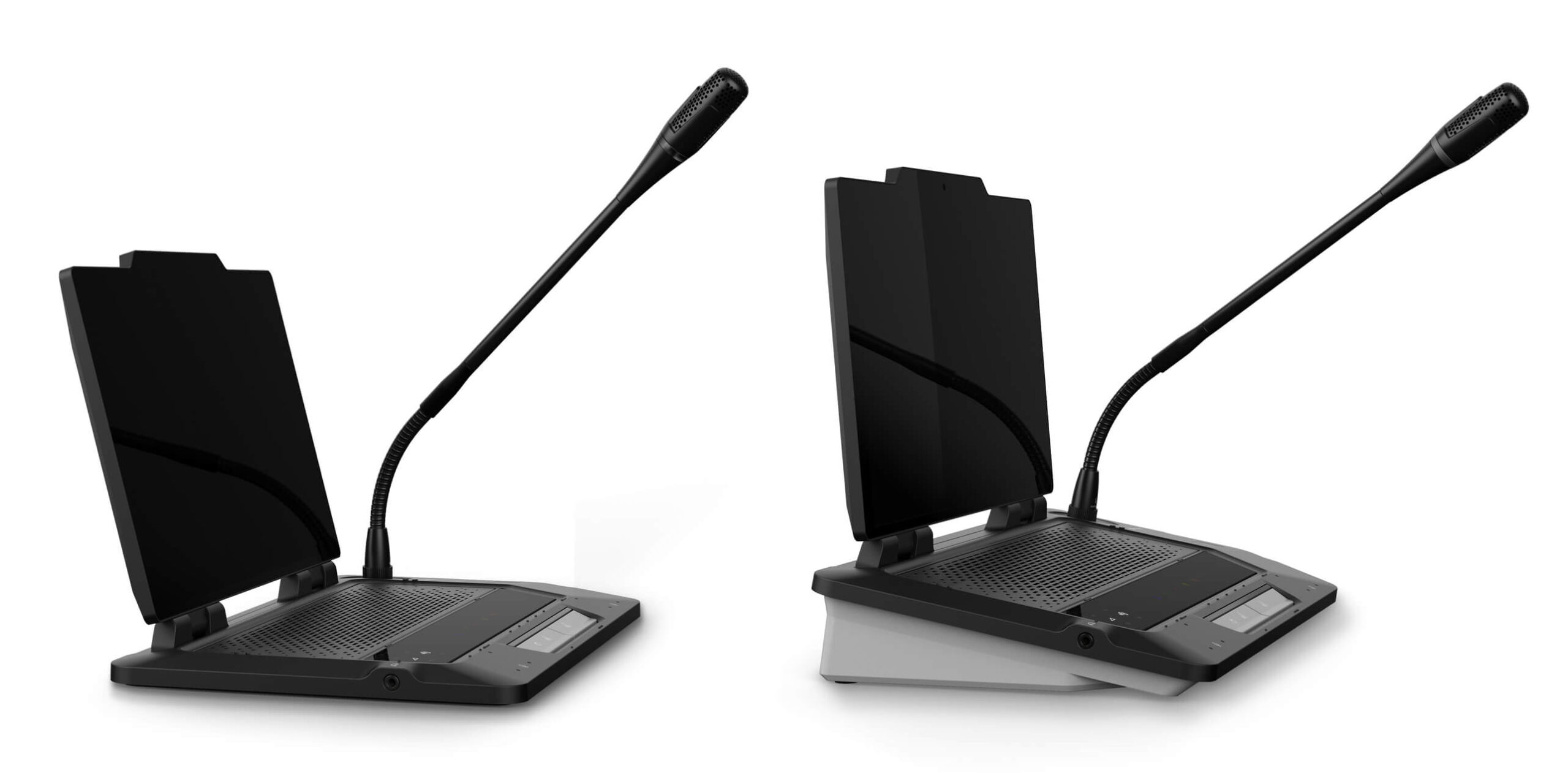
  • Adjustable screen angle from 0° to 180° for optimal viewing 
  • Built-in NFC reader with card slot 
  • Six built-in MEMS microphones for clear and unobtrusive speech pickup 
  • Built-in loudspeaker with acoustic chamber for enhanced audio quality 
  • Redundant controls on screen and device base for reliable operation 
  • Touch buttons with haptic feedback and braille support 
  • Android-based platform supporting third-party and custom applications 
  • Elegant and modern design suitable for professional meeting environments

General

  • Additional functionality by use of the Premium or Ultimate licenses only.
    • – Identification functionality.
    • – Voting.
    • – Select language.

Controls and indicators

  • Full color 10” capacitive-touch graphical display including:
    • – Agenda and meeting data browsing.
    • – Internet browsing.
    • – Live video (e.g. showing the current speaker).
    • – Meeting management for the chair person.
    • – Possibility for adding 3rd party and custom apps.
    • – Possibility for increased functionality by adding software.
  • Document retrieval:
    • – MSWord (.doc, .docx).
    • – Excel (.xls, .xlsx).
    • – PowerPoint (.ppt, .pptx, .pps, .ppsx).
    • – Portable Document Format (.pdf).
    • – Rich Text Format (.rtf).
    • – Plain text (.txt).
  • Video:
    • – H265 (.3gp, .mp4).
  • Touch buttons with haptic feedback.
  • Braille indications.
  • Built-in NFC card reader with card slot.
  • Built-in MEMS microphones.
  • Built-in loudspeaker and acoustical chamber.
  • Pluggable microphone.
  • Microphone on/off button or request-to-speak button.
  • Microphone mute or chairperson priority button.
  • Indicators showing: microphone on state, request-to-speak and possible-to-speak.
  • Power button to wake up the system.

Interconnections

  • 1x USB-C socket that allows connecting a USB-C charger to power the screen locally, reducing power consumption from the loop.
  • Socket for pluggable microphone.
  • 2x RJ45 compatible connection for system communication and power.
  • 3.5 mm stereo jack for headphones, external microphone or headset microphone.
  • Hot plug-and-play.
  • Provision to attach a magnetic name card holder

Downloads

DCNM-MMFF Multimedia Full Function – Flyer

Enquiry Form

This will close in 0 seconds